Why Ghostty Finally Became My Terminal of Choice
I’ve spent years jumping between terminals.
Back in my early Linux days, I was all in on Terminator. Splits everywhere, tiling layouts, keyboard-driven workflows, it felt powerful and hacker-ish in the best way. When I moved more into macOS, I lived inside iTerm for a long time. Later, I gave Warp a serious shot, curious about its modern take on the terminal experience.
Each one had something I liked.
But none of them made me stop looking.
Until Ghostty.
It Feels Fast in a Way You Notice
The first thing I noticed with Ghostty wasn’t a feature, it was the feeling.
It’s fast. Not “marketing fast.” Actually fast.
Launching it is instant. Scrolling through large logs is smooth. Splitting panes doesn’t cause any visual hiccups. Even heavy output during builds feels fluid thanks to GPU-accelerated rendering.
There’s no friction. And when you live in your terminal all day, friction adds up.
Ghostty just gets out of the way.
Lightweight, but Not Limited
What surprised me most is how Ghostty manages to stay lightweight without feeling minimal or stripped down.
I still get:
- Native panes and tabs
- Clean split management
- Beautiful font rendering (with ligatures and Nerd Font support)
- Theme customization
- Session persistence
- Cross-platform consistency
It reminds me of what I loved about Terminator, that productivity-first, split-heavy workflow, but modernized and significantly faster.
It feels engineered, not layered.
Configuration Done Right
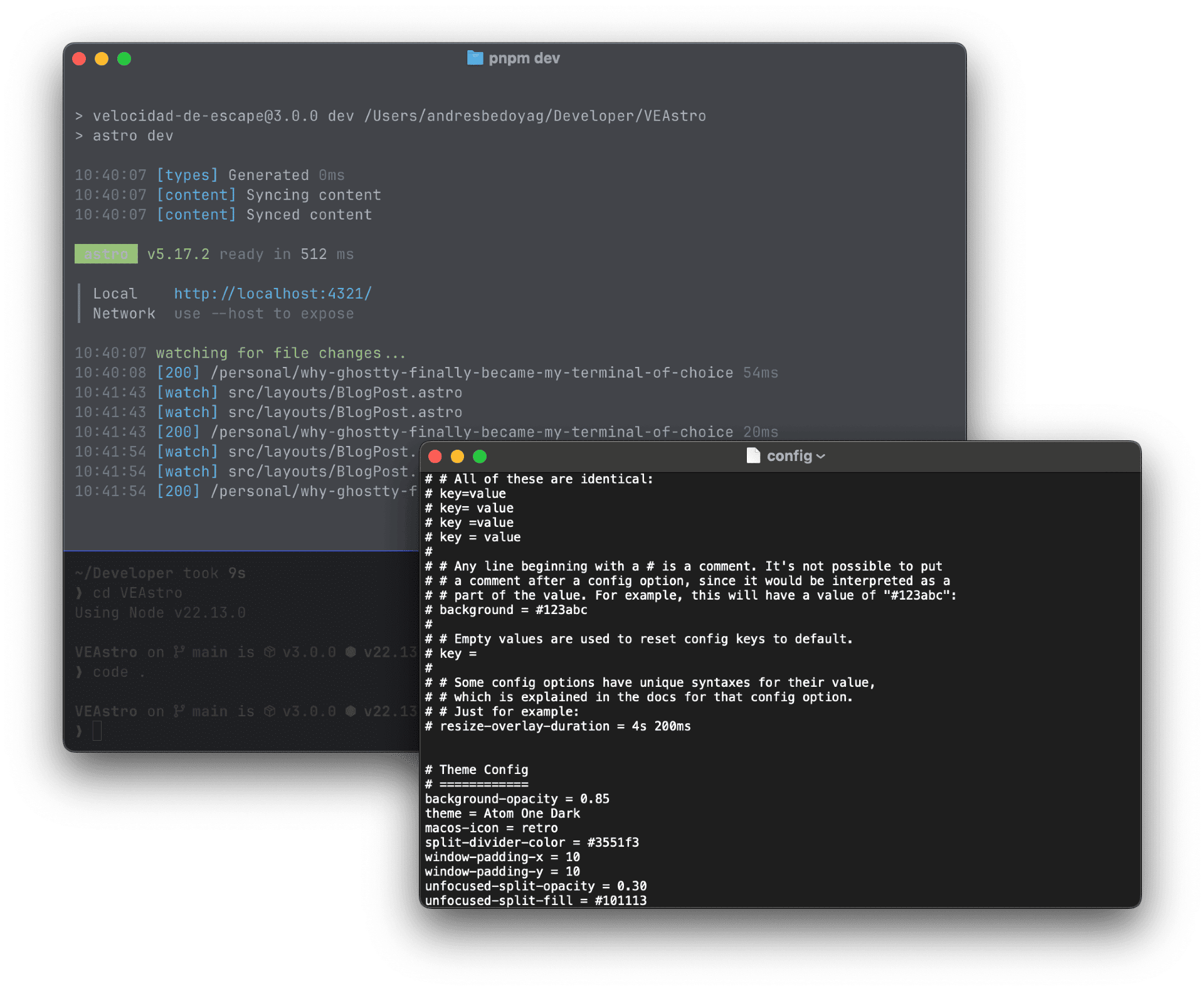
One of my favorite parts is how Ghostty is configured.
No bloated GUI. No maze of preferences. No mystery settings.
Just a simple file:
~/.config/ghostty/configThat’s it.
As someone who prefers editing config files over clicking through menus, this feels right. It’s transparent. It’s versionable. It’s reproducible across machines.
It respects the fact that developers are comfortable with text-based configuration.
After Years of Switching…
Terminator taught me the power of panes. iTerm gave me polish and flexibility. Warp explored new ideas.
But Ghostty feels like the clean evolution of everything I liked, without the bloat, without the friction, without the noise.
For the first time in years, I’m not tweaking my terminal setup every few weeks. I’m not hunting for alternatives. I’m not benchmarking launch times.
I’m just working.
And that might be the biggest compliment I can give it.
Ghostty finally made my terminal invisible again, exactly how it should be.
Thank you Mitchell Hashimoto!!!

About Andrés Bedoya
JavaScript software engineer, internet enthusiast and blogger from an early age. He strongly believes in the free culture.
Learn more about Andrés Bedoya